Visual Merchendise

Visual Merchandise

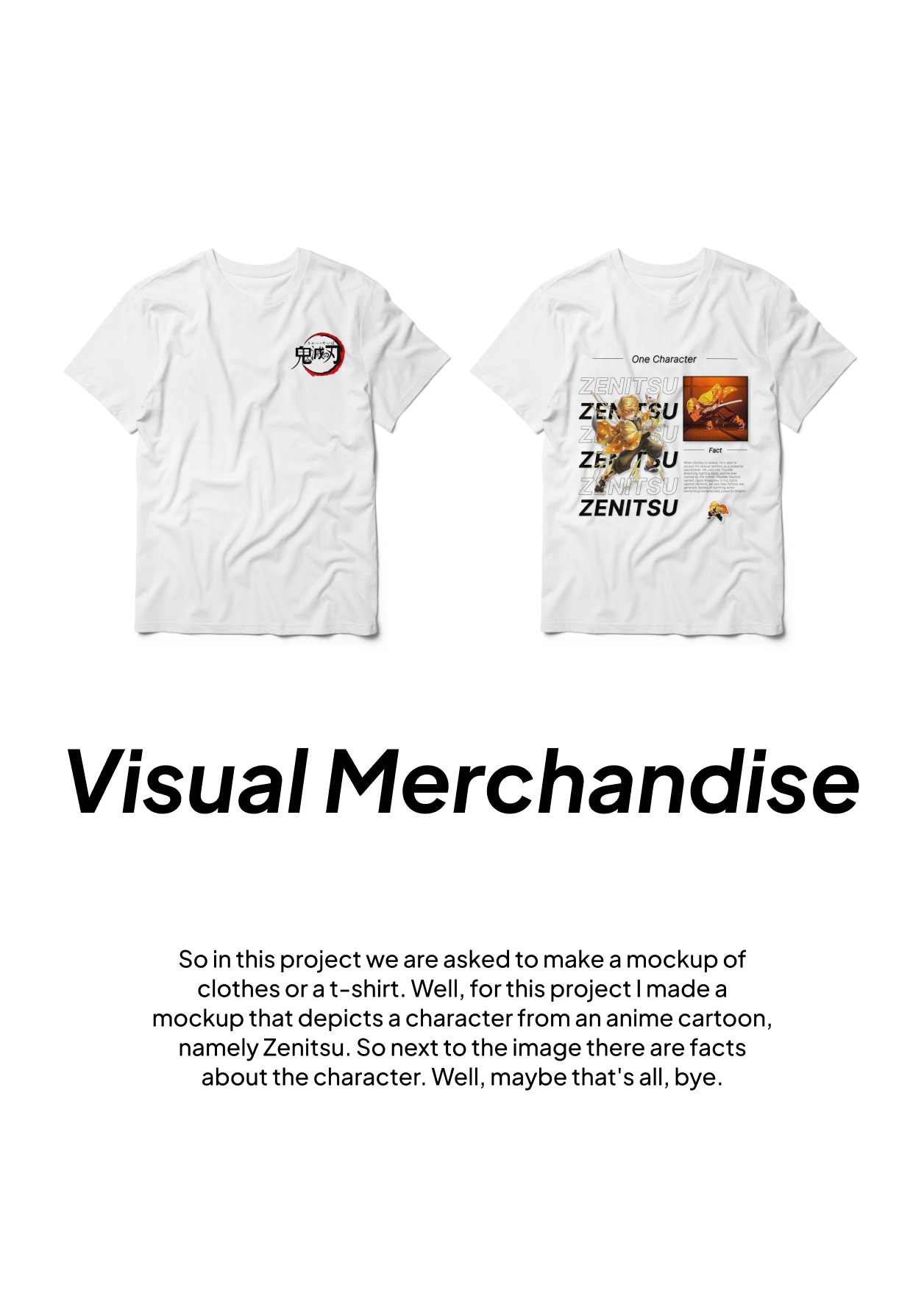
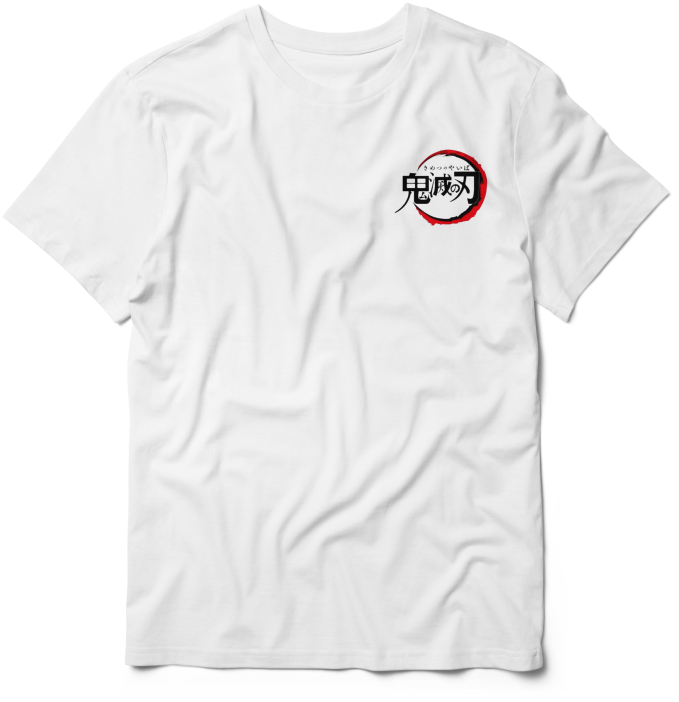
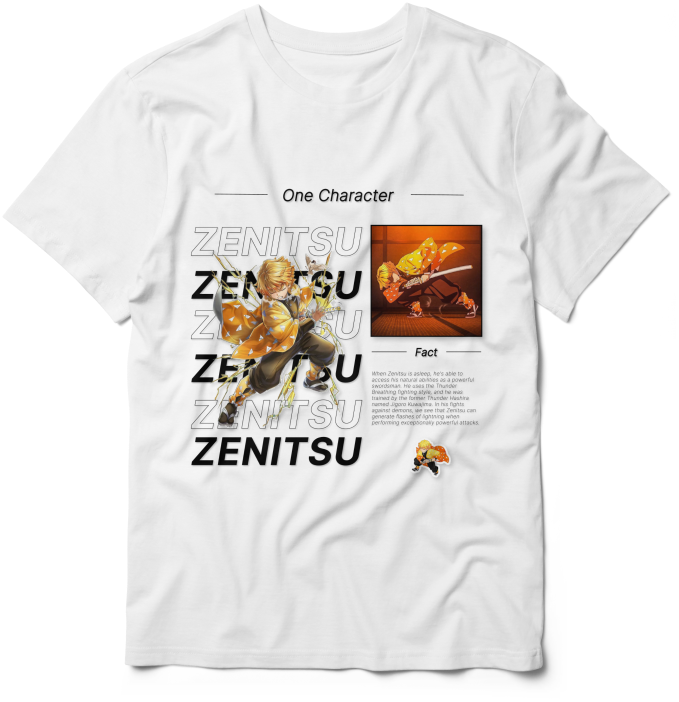
So this is the fourth project from the IT Muti Media project where we were asked to create a design for a T-Shirt and here I created the T-Shirt design with a picture from one of the anime entitled "Demon Slayer" and the character that I created in the T-Shirt design is Zenitsu along with his facts and the beginning of his power, namely: When Zenitsu is asleep, he's able to access his natural abilities as a powerful swordsman. He uses the Thunder Breathing fighting style, and he was trained by the former Thunder Hashira named Jigoro Kuwajima. In his fights against demons, we see that Zenitsu can generate flashes of lightning when performing exceptionally powerful attacks.
Instagram Post

Instagram Post

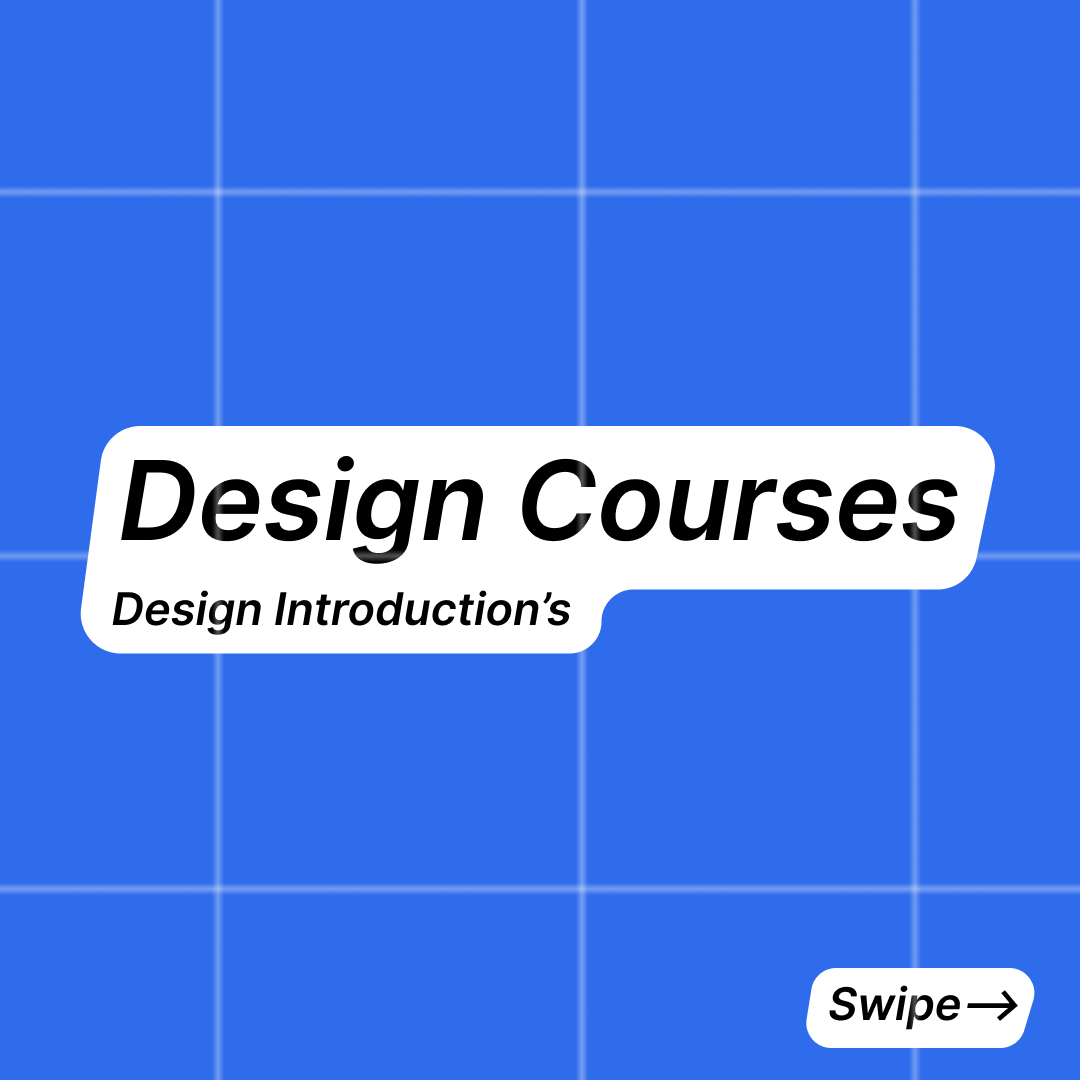
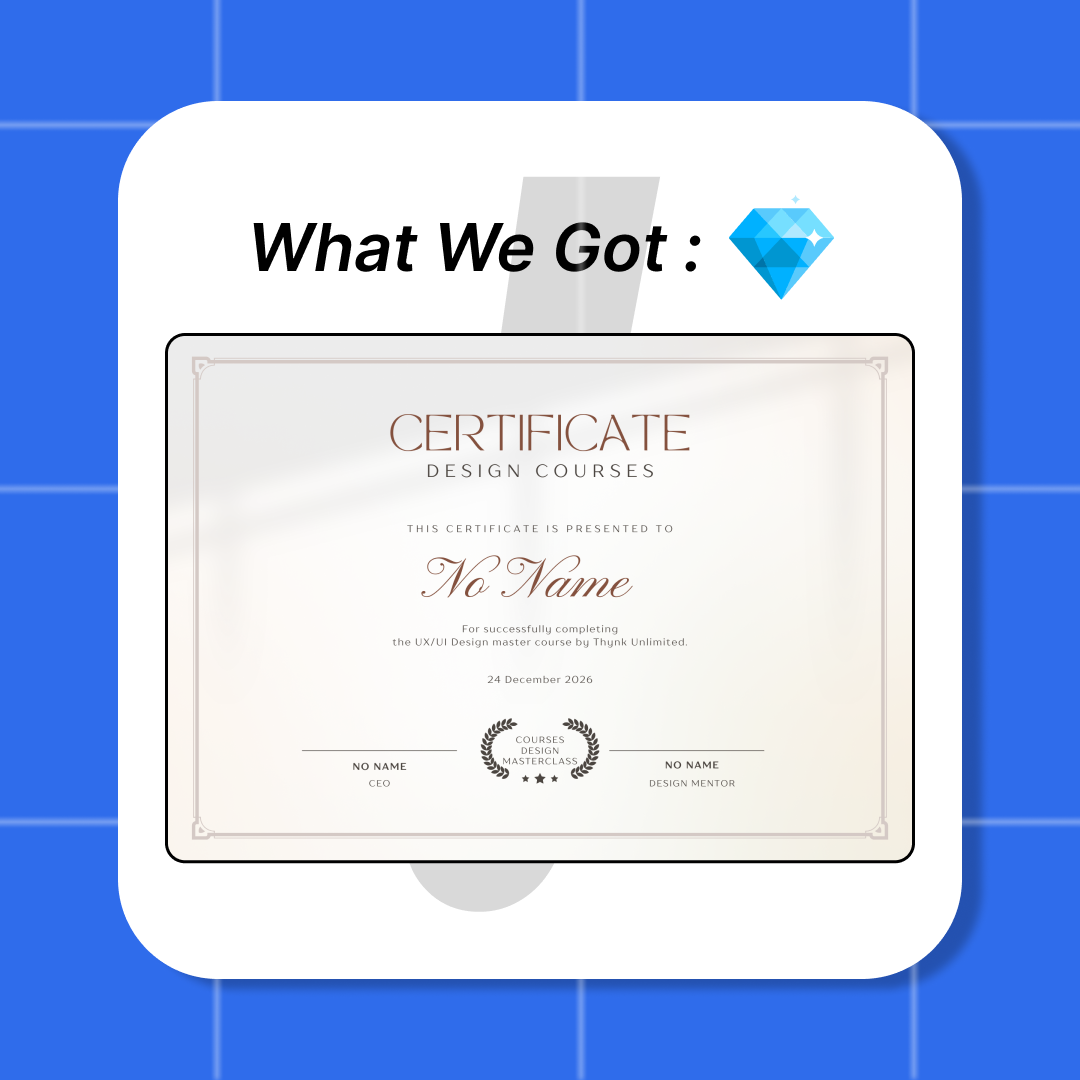
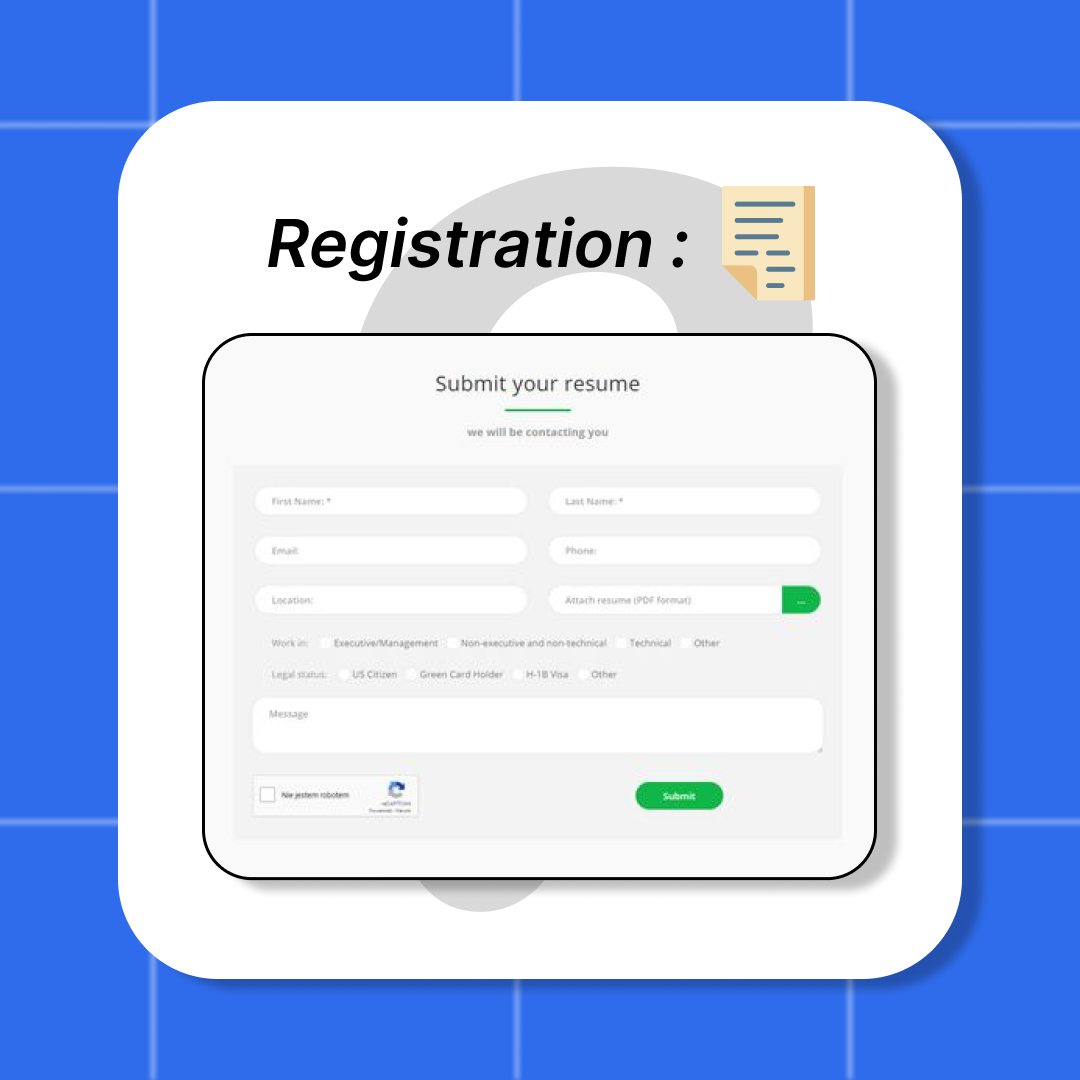
So this is the fourth project from the IT Multimedia lesson and the theme of this project is about courses and we can choose the theme according to what we want but it must be a course such as a food making course and also any course as long as it is about courses such as design courses, game dev, web dev, or others and in my opinion this project is quite easy but when I made this project I was told to remake it again because the previous one was a bit plagiarized and also had a lot of accessories so there was no white space and maybe this is all I can say see you in the next post, Bye

Infografis

Infografis

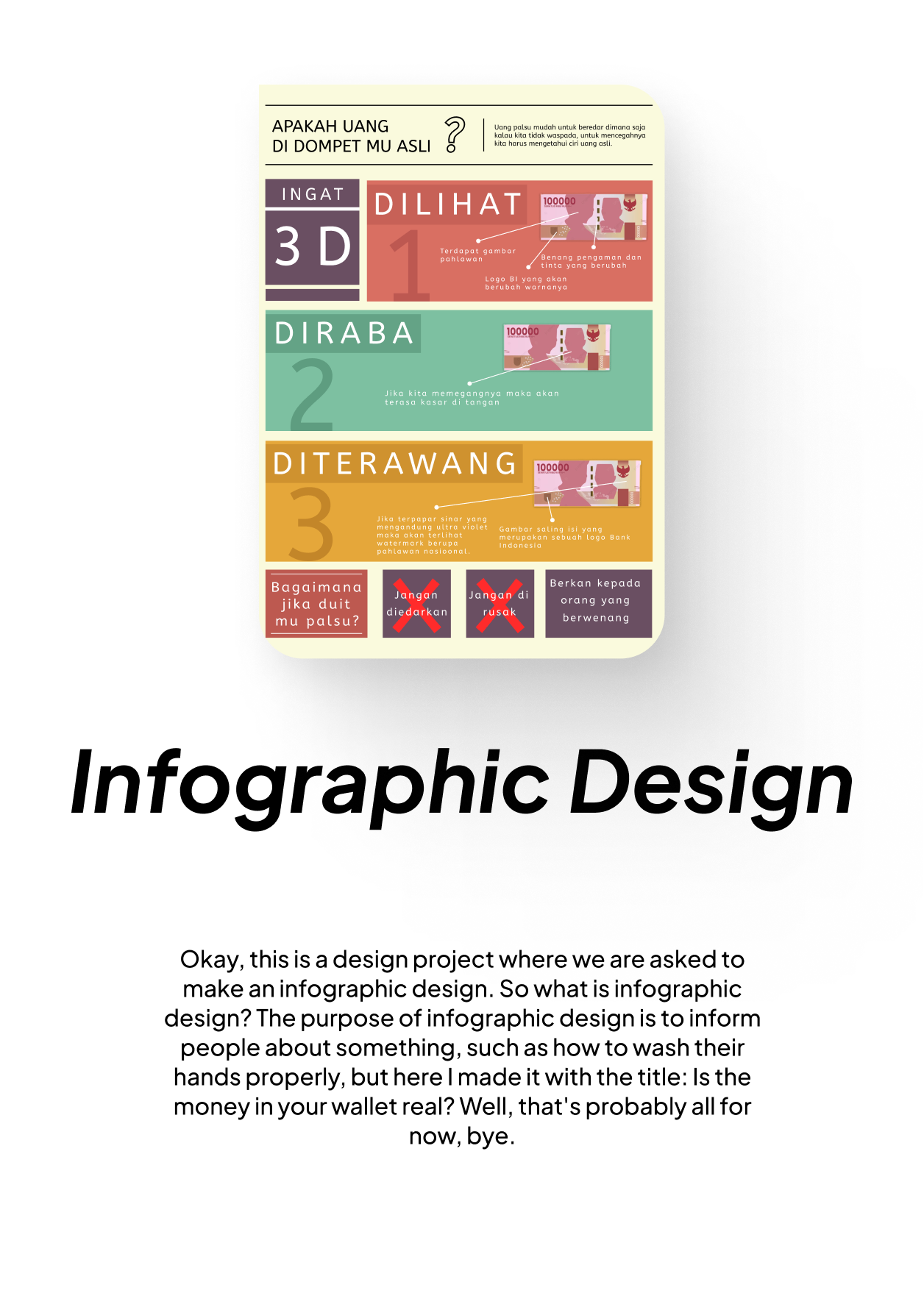
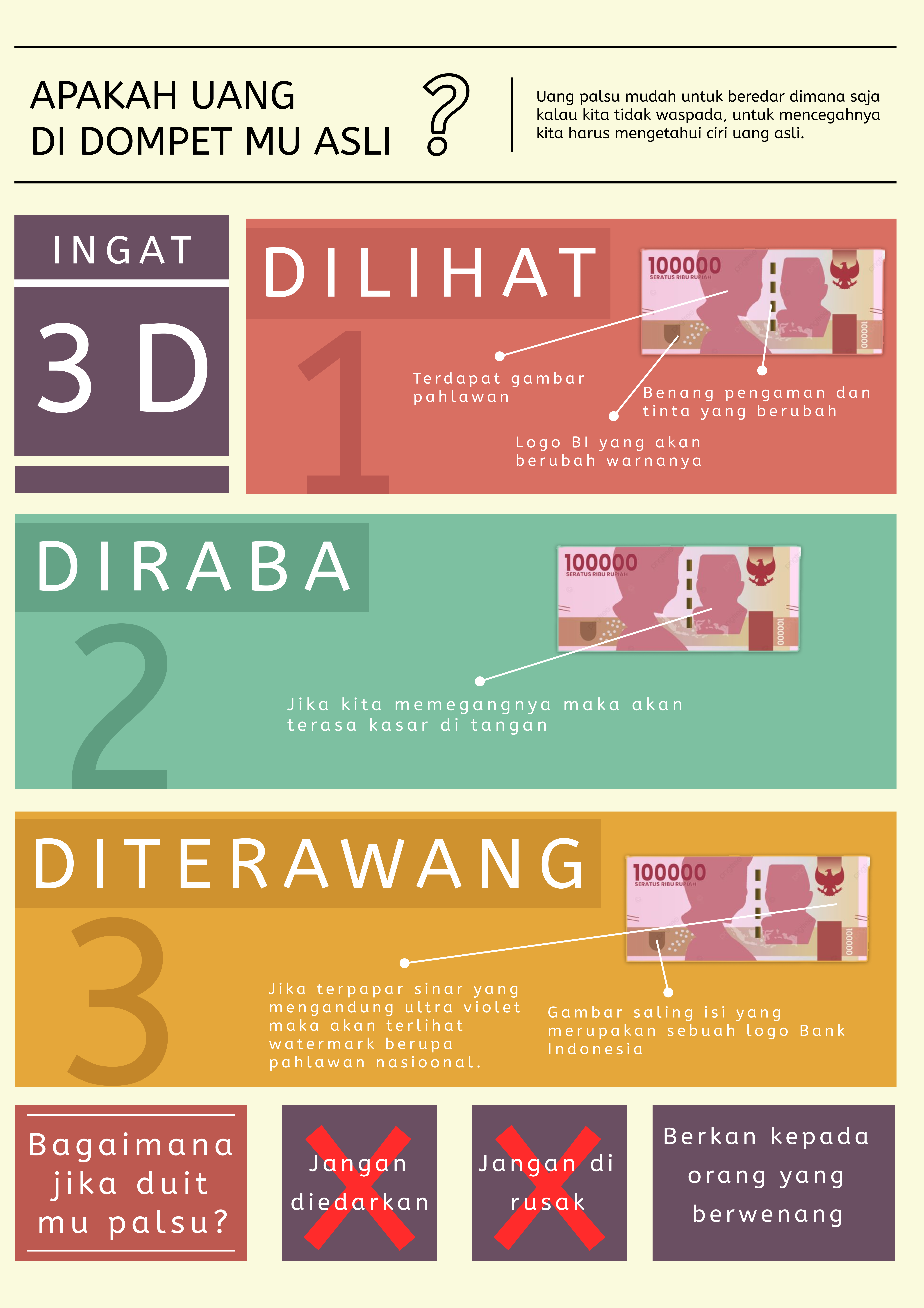
So this is the third project from the IT Multimedia lesson so in this project we are asked to make an infographic poster, an infographic poster is a poster that informs about something like knowledge or something else so that we know information that we didn't know before and this time the poster I made is entitled "is the money in your wallet real" and in this poster I tell you about tips or things you need to do when your money is fake and maybe that's all from me, Bye

Illustration

Illustration

So this is the second project from the IT multimedia lesson and so we were asked to make an illustration using the figma application, yes figma can also be used on its website but it's better if we use the figma application and I looked for references on Pinterest and in my opinion making this project is quite easy because we only use the pen tool and I finished the project this time around 3 days and maybe that's all from me until we meet again in the next post, Bye

Water Plan

Water Plan

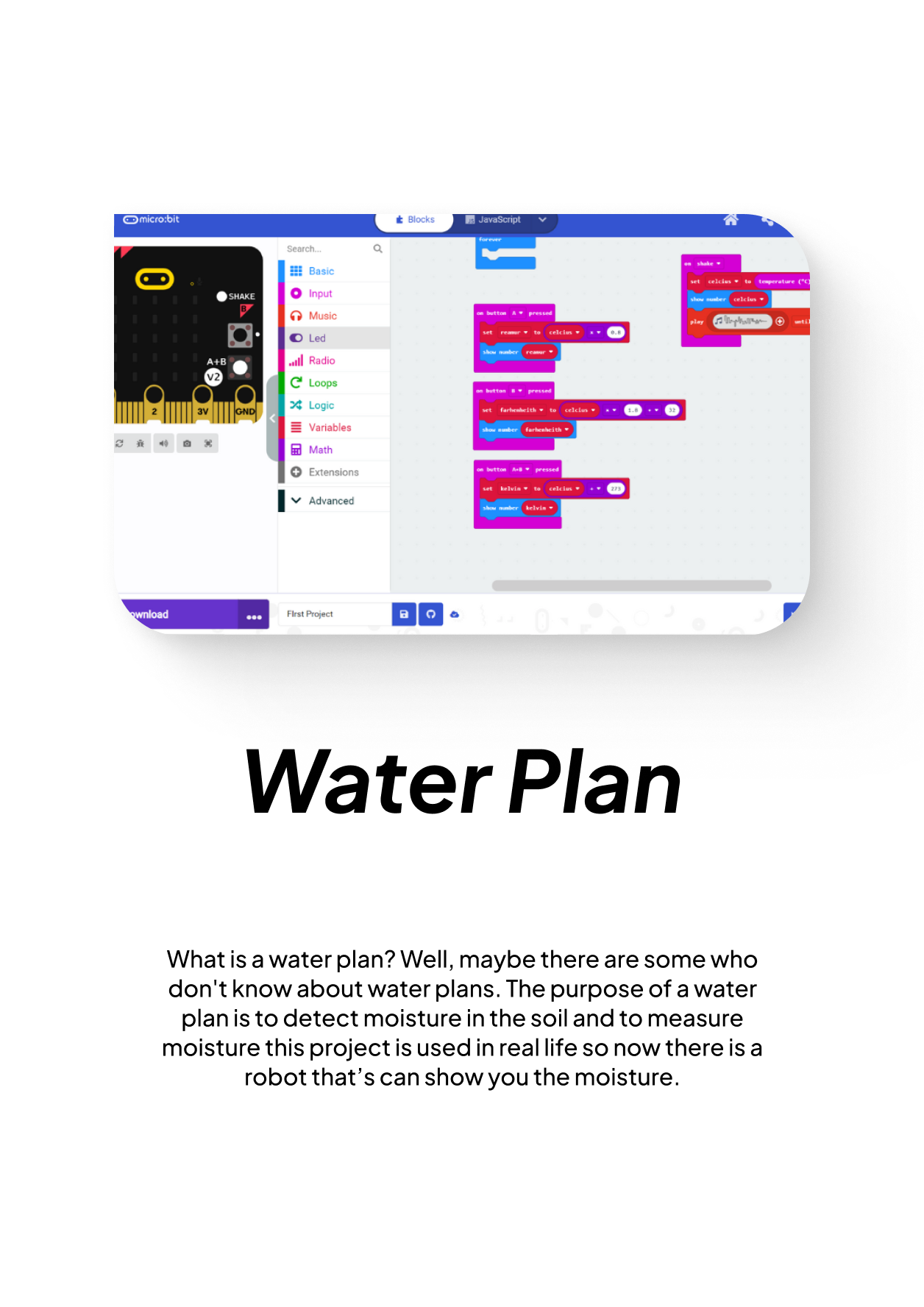
So this is the task of the IOT lesson so this project can be useful in everyday life, its usefulness is to detect moisture in the soil or to detect if there is water in the soil and we also make it using Micro.Bit and this project has many benefits such as we want to dig the ground to make a well that is an example of its usefulness in everyday life and there are still many more that is one example and maybe that's all I can tell you maybe that's all Bye

Promotion Poster

Promotion Poster.

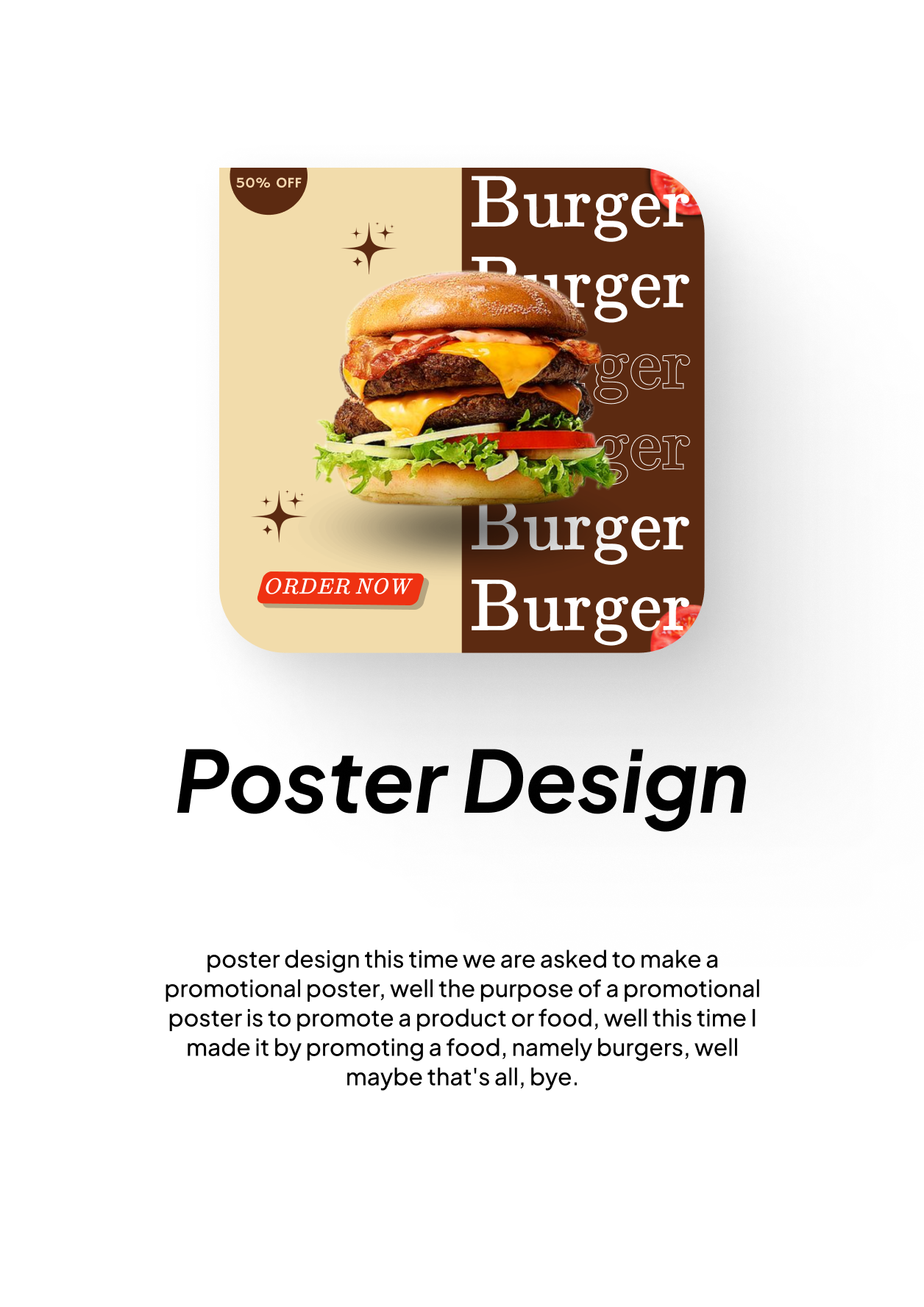
So this is the very first project in the IT Multimedia lesson and here we will be asked to make a poster that promotes something like food or other items, well because this is the first project in the Multimedia lesson, so I'm still new to using figma and there are still many things I don't understand, so I watched a tutorial on YouTube until finally I got the basics and could use figma and in my opinion this project is quite difficult because I'm still a beginner so it's still difficult for me.

Switching Ball

Switching Ball

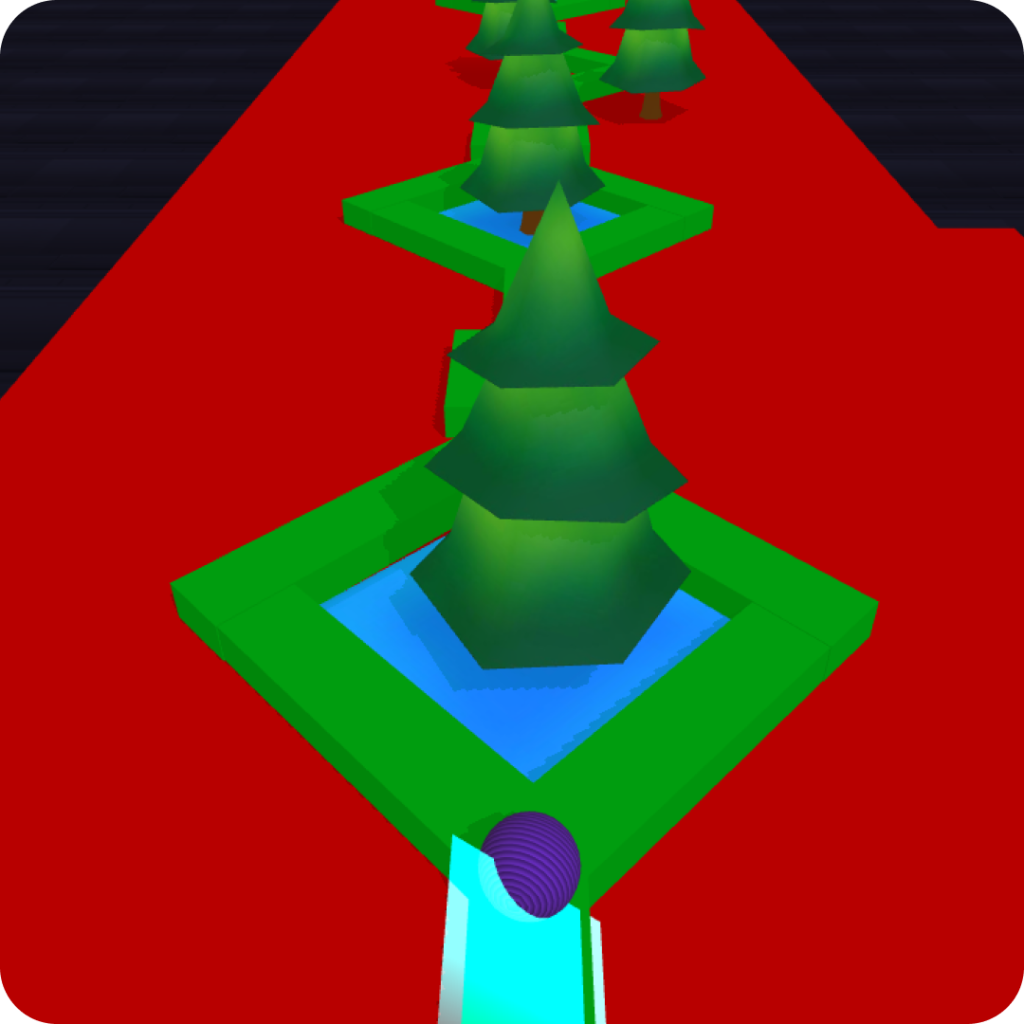
On this occasion I demonstrated a game that I made in the Buildbox application with the name Switching Ball game and dame in this game you will act as a ball and the rule is don't let the ball fall and the way to play it is to click the right arrow or click the left arrow and if If you click on the left arrow, the ball will move in the right direction and also if you click on the right arrow, the ball will move in the opposite direction and maybe that's all I can say, hopefully it's useful. Bye.

The Poster