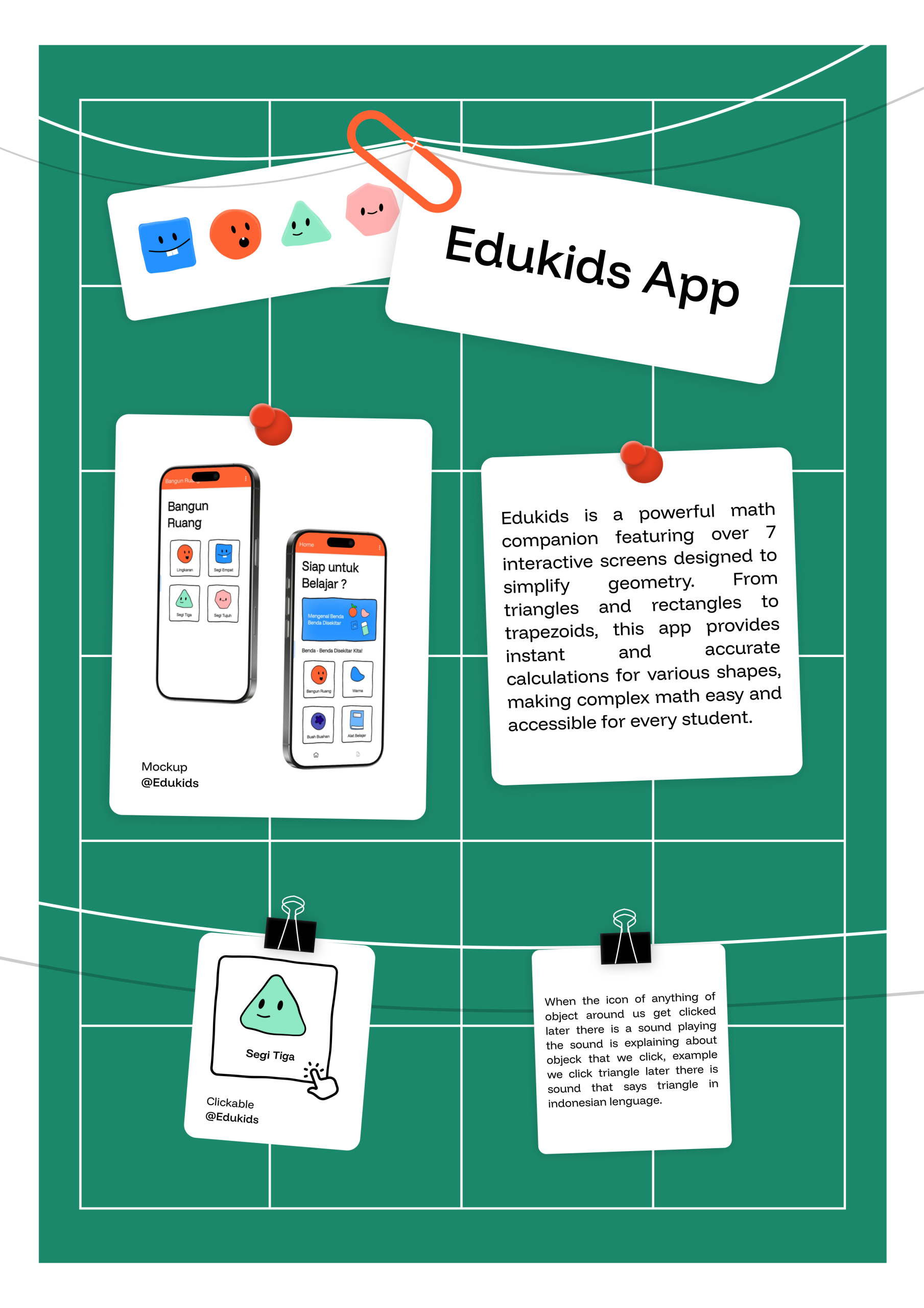
“Edukids is a comprehensive educational tool built with a multi-screen interface, offering over seven dedicated modules for mastering geometry and mathematics. Designed to simplify complex calculations, the app provides interactive solvers for a wide variety of shapes—including trapezoids, triangles, rectangles, and more—making it an essential digital companion for students seeking accuracy and ease in their learning journey.”
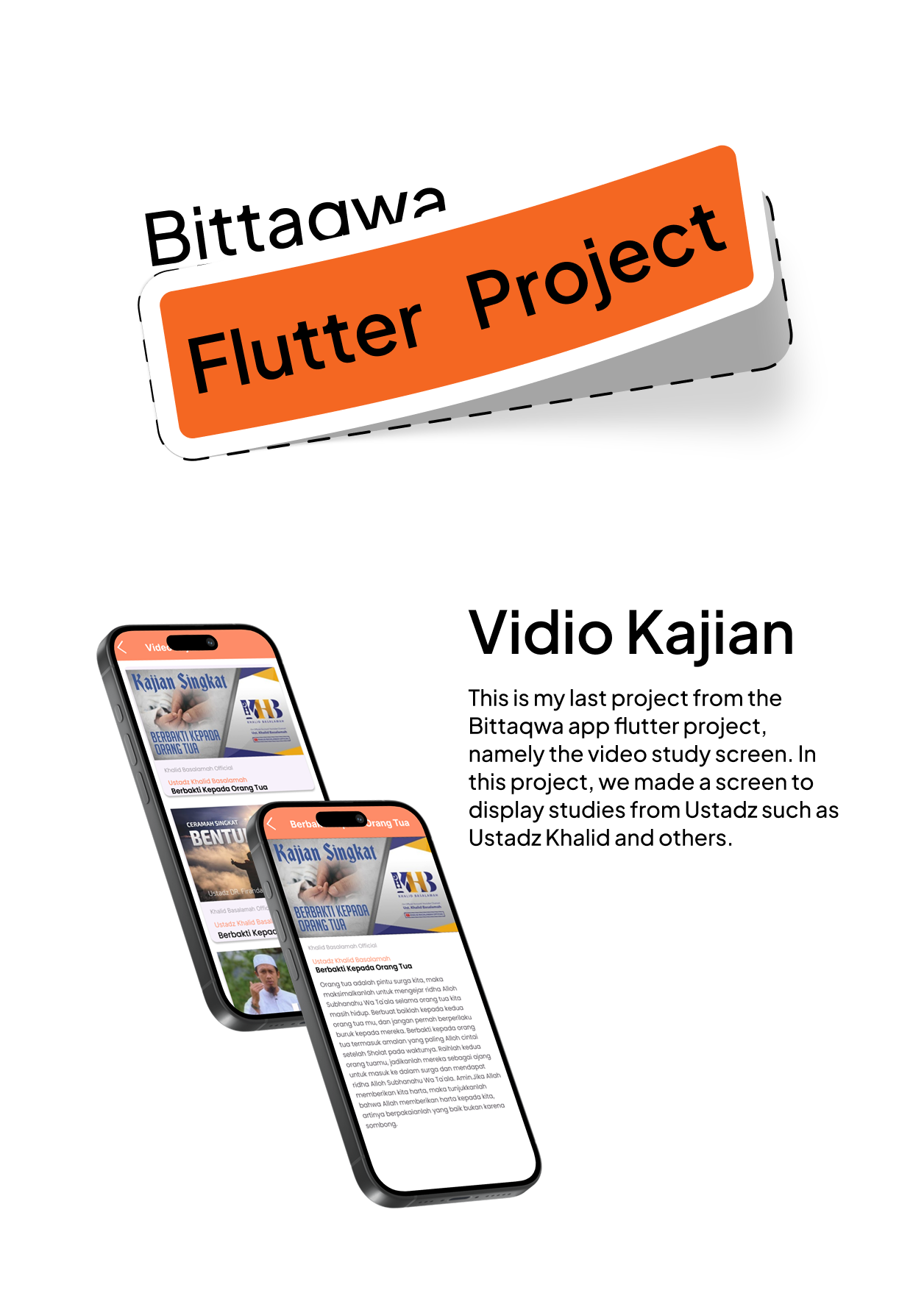
This is my last project from the Bittaqwa app flutter project, namely the video study screen. In this project, we made a screen to display studies from Ustadz such as Ustadz Khalid and others, and then if we click a video of study then it will go to next page in next page there are the explanation from the study like sirah or other, so maybe that’s all bye.
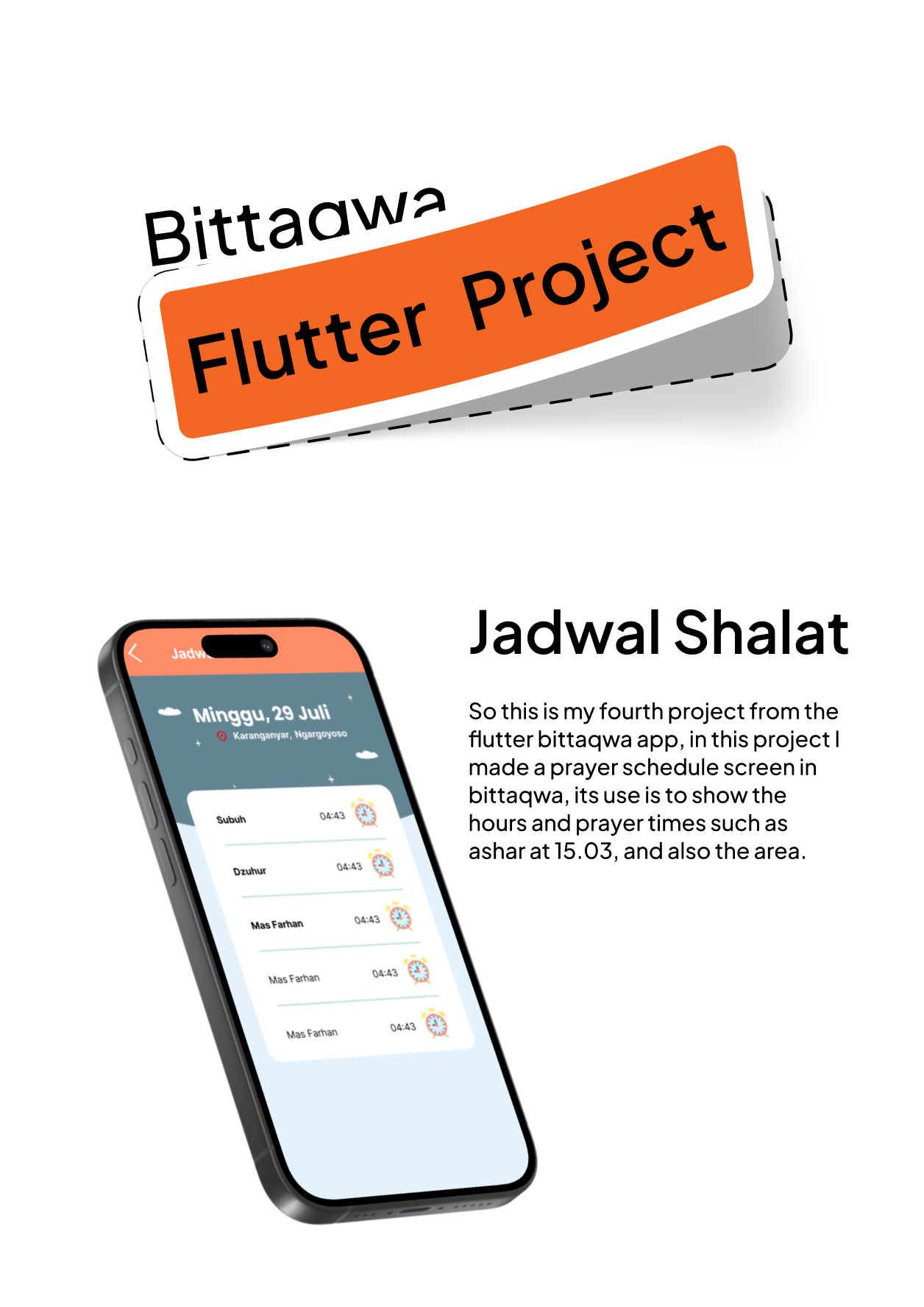
So this is my fourth project from the flutter bittaqwa app, in this project I made a prayer schedule screen in bittaqwa, its use is to show the hours and prayer times such as ashar at 15.03, and also the area like in bogor, so this screen also can access your location when you in another city so the app can adapt for the pray time, so maybe that’s all bye.
So in this project we were asked to make a video about the biography of the Prophet’s companion, Abu Bakr Ash Shiddiq. I started by telling about the name and lineage of Abu Bakr Ash Shiddiq and his Islam. He was an adult man who first converted to Islam, and I also explained why he got the nickname As Shiddiq. Maybe just leave it to me, bye.
So this is the third project of the flutter bittaqwa android app, so in this project I made a screen to calculate the zakat that must be paid, the minimum assets owned are 85 million IDR, if we input under 85 million IDR it will be can’t to calculate the assets and there are assets that we need to pay to pay zakat, maybe that’s all from me bye
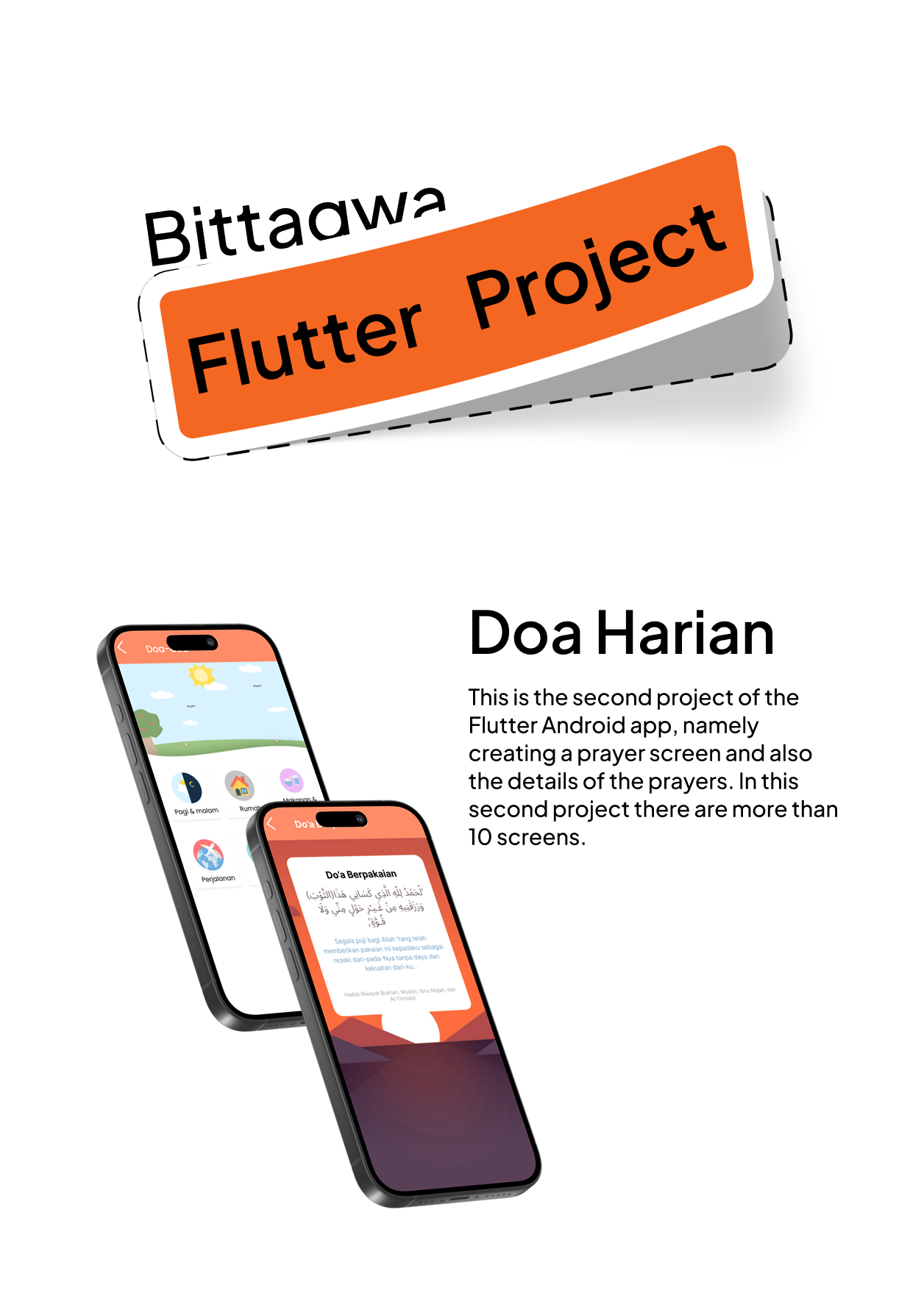
So this is the second project from the Bittaqwa Flutter App. In this project, we created a daily prayer screen that contains prayers from daily activities, for example, waking up, before sleeping, eating, going to the bathroom, going outside the house, and many more. I made this application in about a week. In my opinion, this project is quite difficult, maybe that’s all from me, bye.
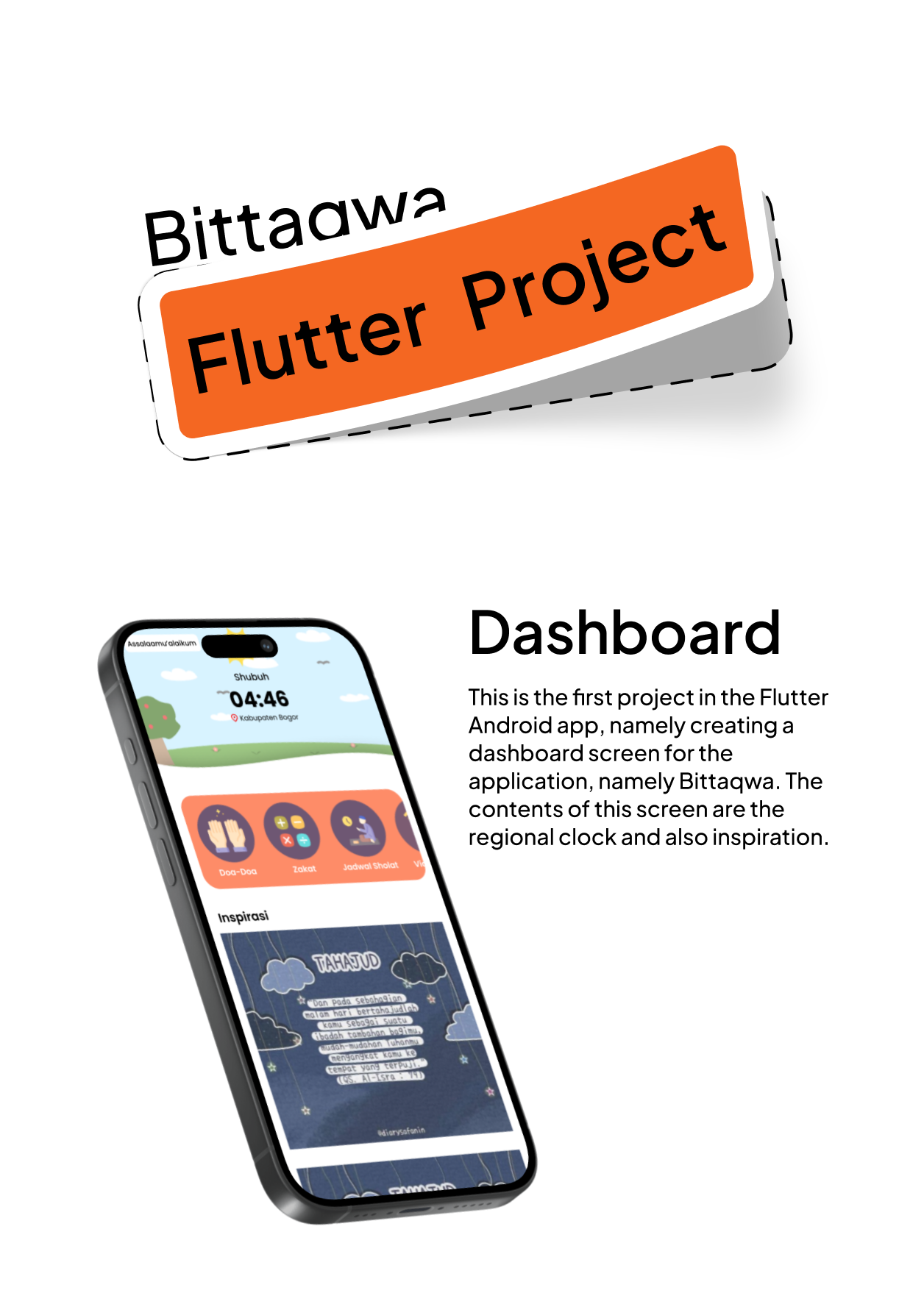
This is my first Muslim application project using Flutter, namely the dashboard. I completed this project in about 1 week because it was my first project and still an introduction to using Flutter. In this project, we were asked to create an Islamic application screen called Bittaqwa and this is the home screen. In my opinion, this is a fairly difficult project. So, that’s all from me. Bye.
So in this project, I will explain my future plans starting from after I graduate from junior high school IDN boarding school and I will continue at vocational high school IDN and the university that I will go to after graduating from vocational high school and I will also discuss my future projects such as freelance design selling UI templates and also several other plans, well, maybe that’s all from me, bye
Country | Favorite Project | Interview | Last Project
So this is my last project in English class semester 1, grade nine, in this project we have to present twice, the first presentation is about the country, the country I chose is Norway because of its natural beauty, the second presentation is about my favorite project, well I put a lot of my projects, and the last one is an interview with the teacher about IDN, maybe that’s all from me bye.
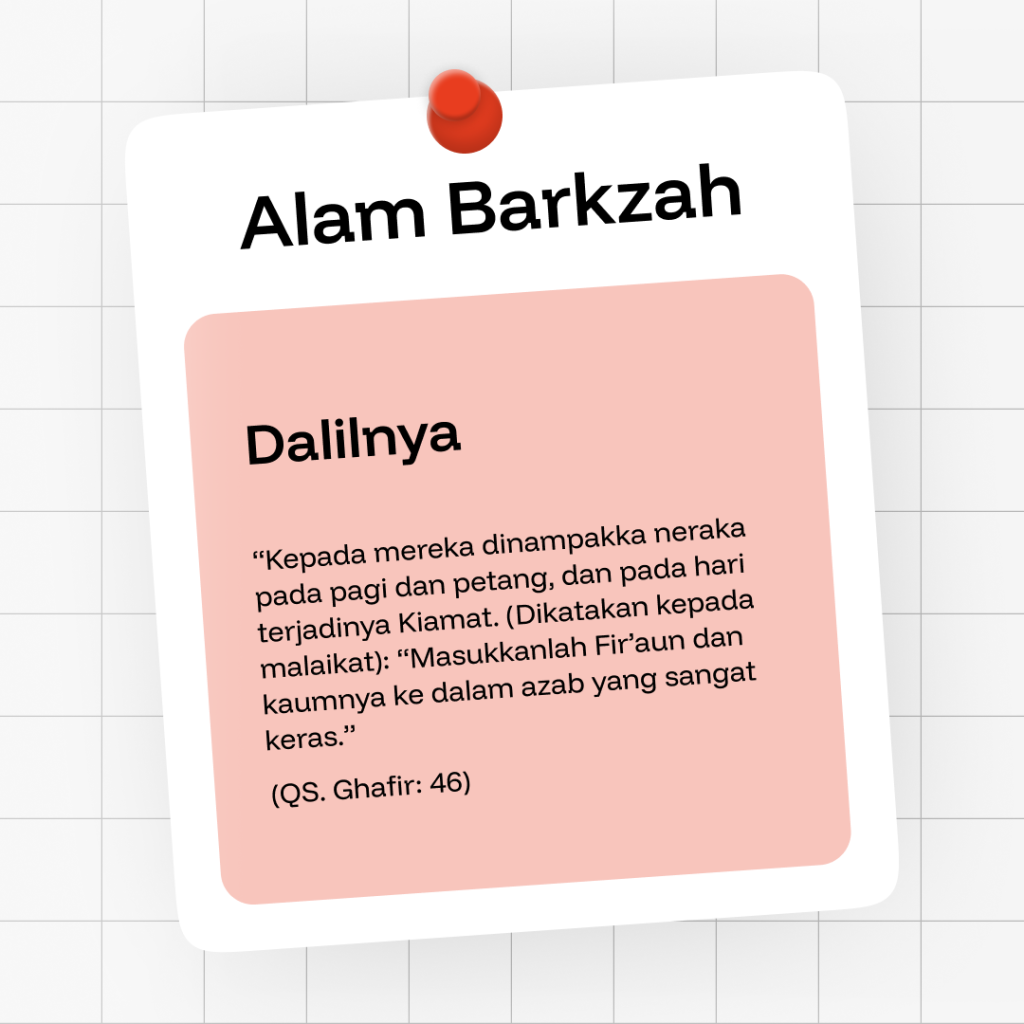
So in this project I made a poster entitled Alam Barkzah with an argument from the 46th verse of Surah Ghafir, which means: “Hell appeared to them in the morning and evening, and on the day of the Hour. (It was said to the angel): “Put Fir’aun and his people into a very harsh punishment.” maybe that’s all bye