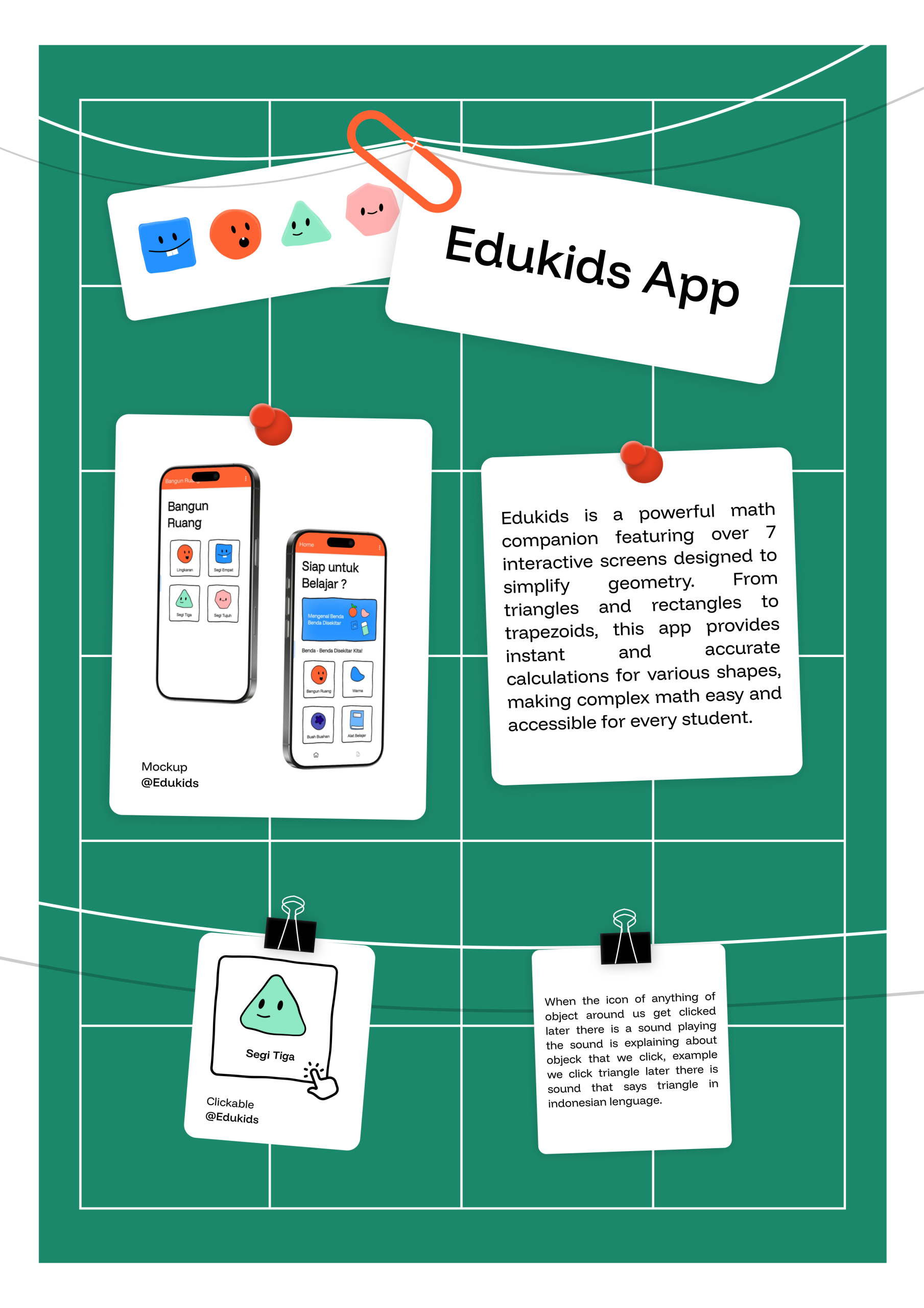
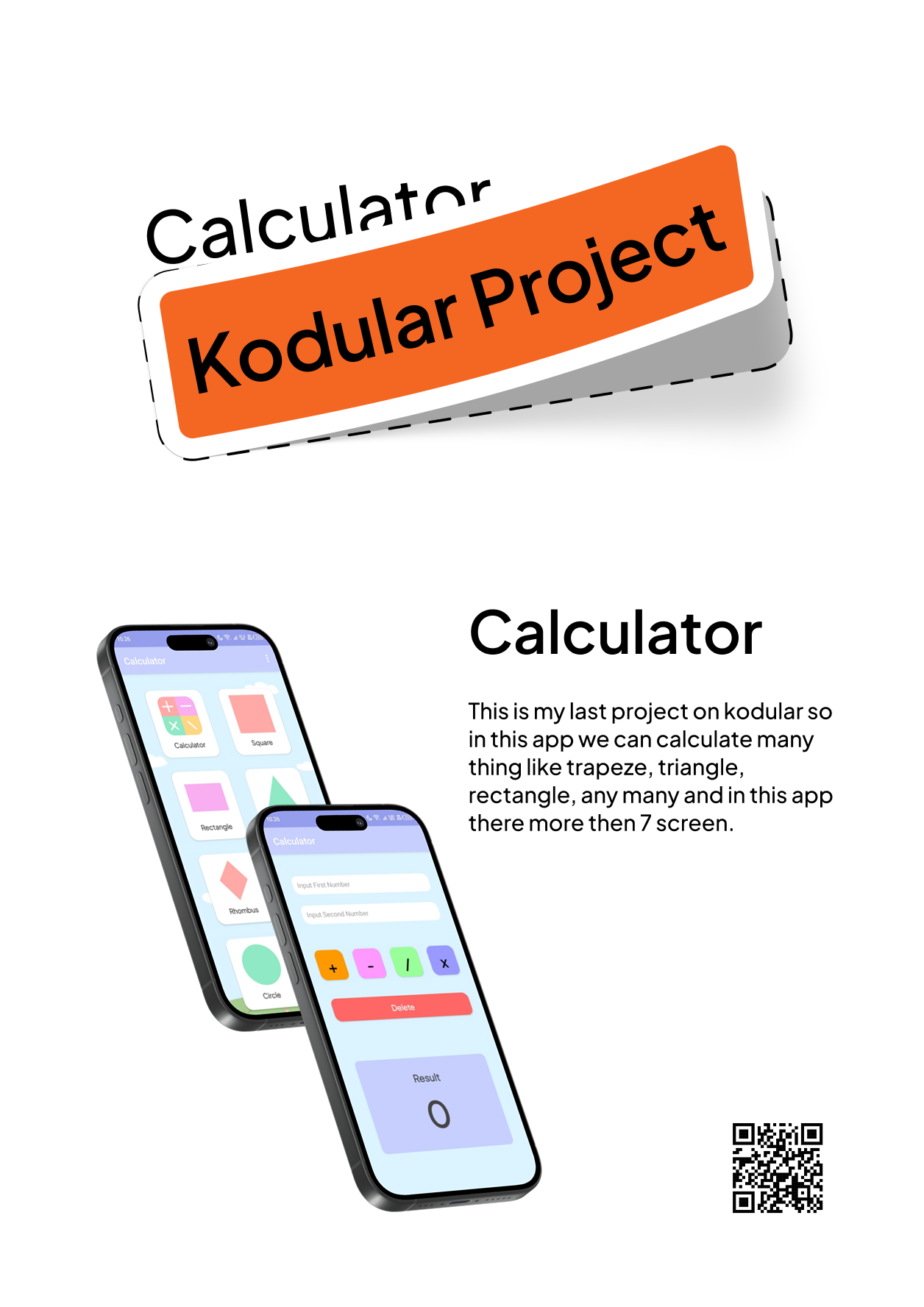
“Edukids is a comprehensive educational tool built with a multi-screen interface, offering over seven dedicated modules for mastering geometry and mathematics. Designed to simplify complex calculations, the app provides interactive solvers for a wide variety of shapes—including trapezoids, triangles, rectangles, and more—making it an essential digital companion for students seeking accuracy and ease in their learning journey.”
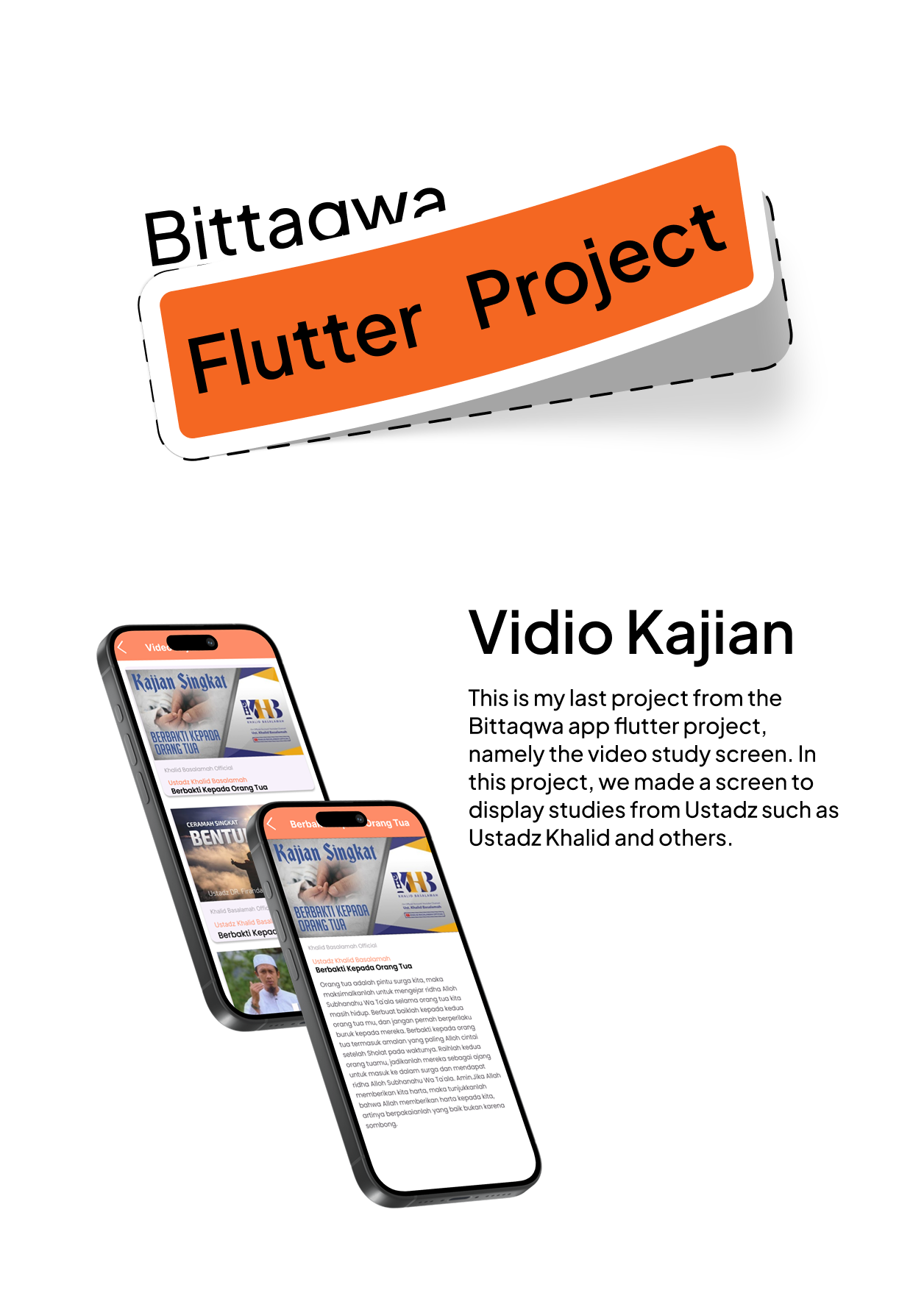
This is my last project from the Bittaqwa app flutter project, namely the video study screen. In this project, we made a screen to display studies from Ustadz such as Ustadz Khalid and others, and then if we click a video of study then it will go to next page in next page there are the explanation from the study like sirah or other, so maybe that’s all bye.
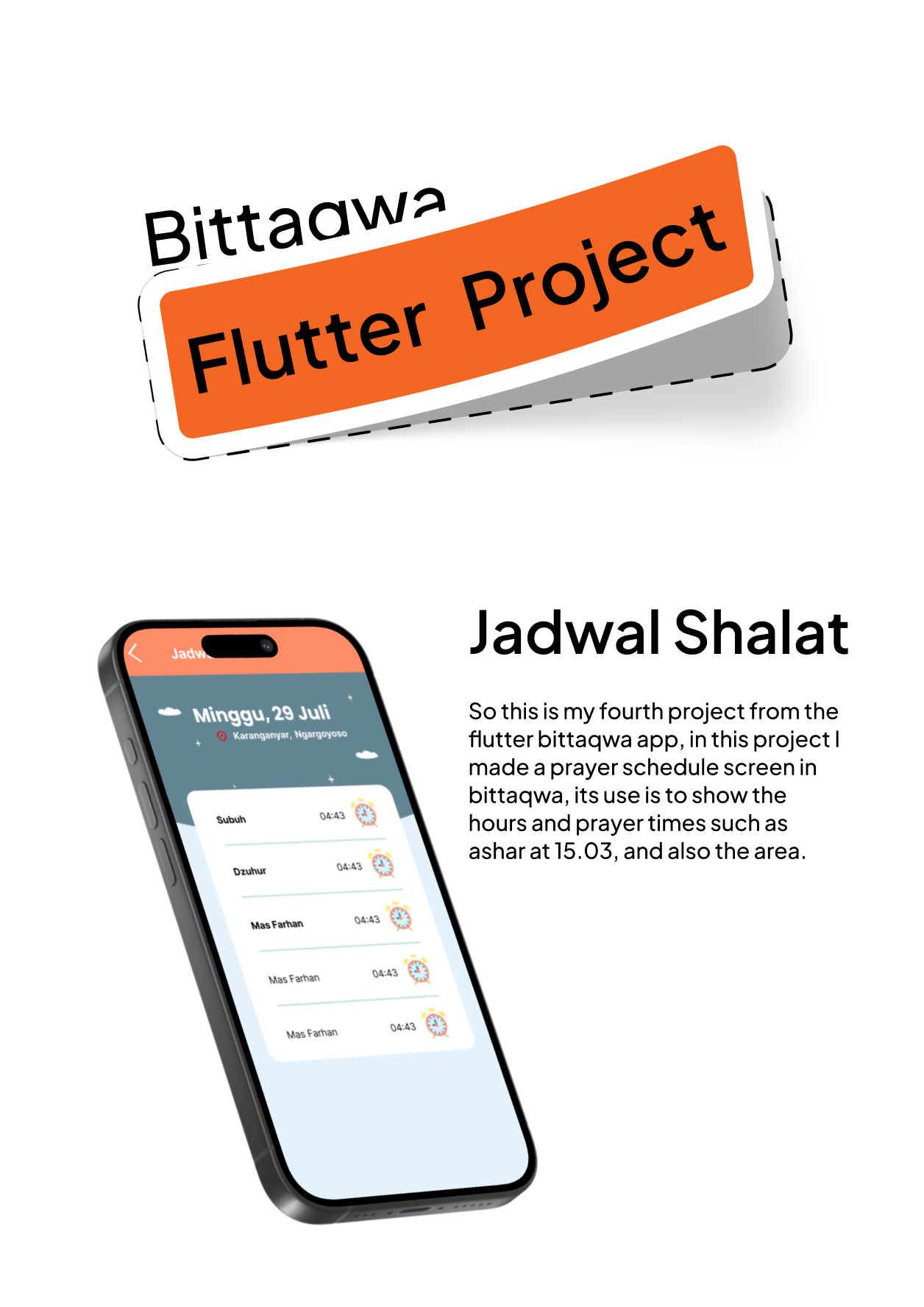
So this is my fourth project from the flutter bittaqwa app, in this project I made a prayer schedule screen in bittaqwa, its use is to show the hours and prayer times such as ashar at 15.03, and also the area like in bogor, so this screen also can access your location when you in another city so the app can adapt for the pray time, so maybe that’s all bye.
So this is the third project of the flutter bittaqwa android app, so in this project I made a screen to calculate the zakat that must be paid, the minimum assets owned are 85 million IDR, if we input under 85 million IDR it will be can’t to calculate the assets and there are assets that we need to pay to pay zakat, maybe that’s all from me bye
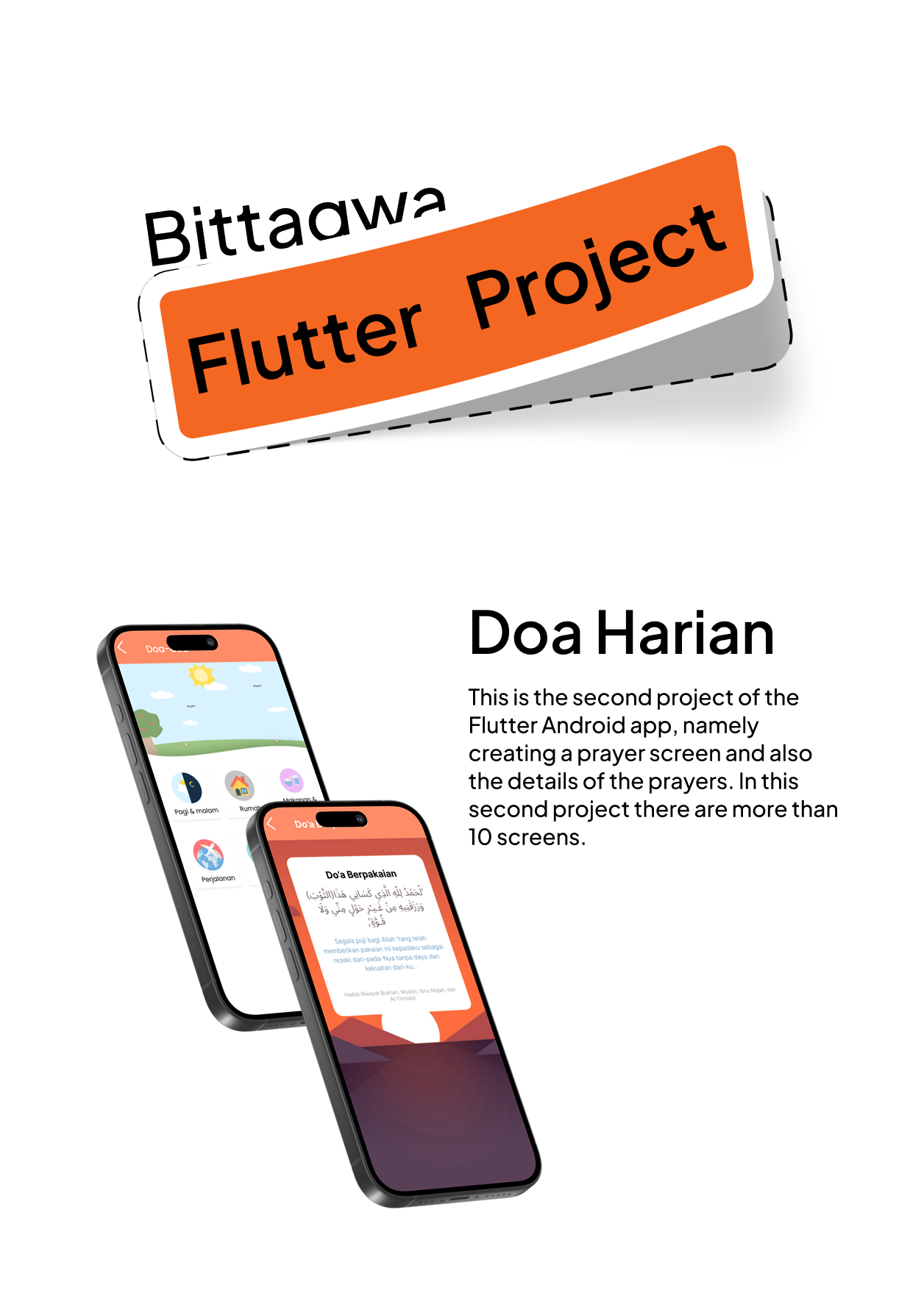
So this is the second project from the Bittaqwa Flutter App. In this project, we created a daily prayer screen that contains prayers from daily activities, for example, waking up, before sleeping, eating, going to the bathroom, going outside the house, and many more. I made this application in about a week. In my opinion, this project is quite difficult, maybe that’s all from me, bye.
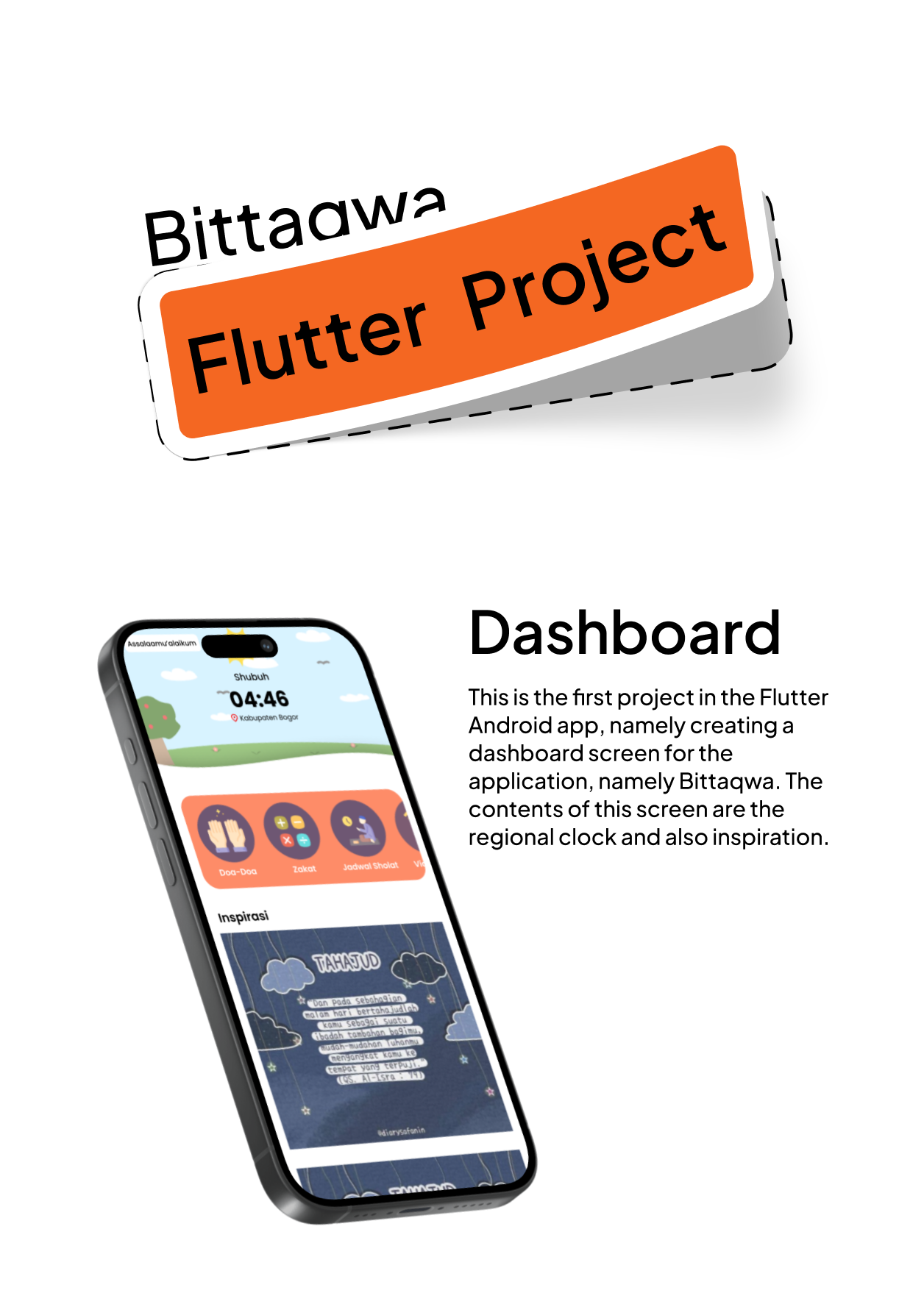
This is my first Muslim application project using Flutter, namely the dashboard. I completed this project in about 1 week because it was my first project and still an introduction to using Flutter. In this project, we were asked to create an Islamic application screen called Bittaqwa and this is the home screen. In my opinion, this is a fairly difficult project. So, that’s all from me. Bye.
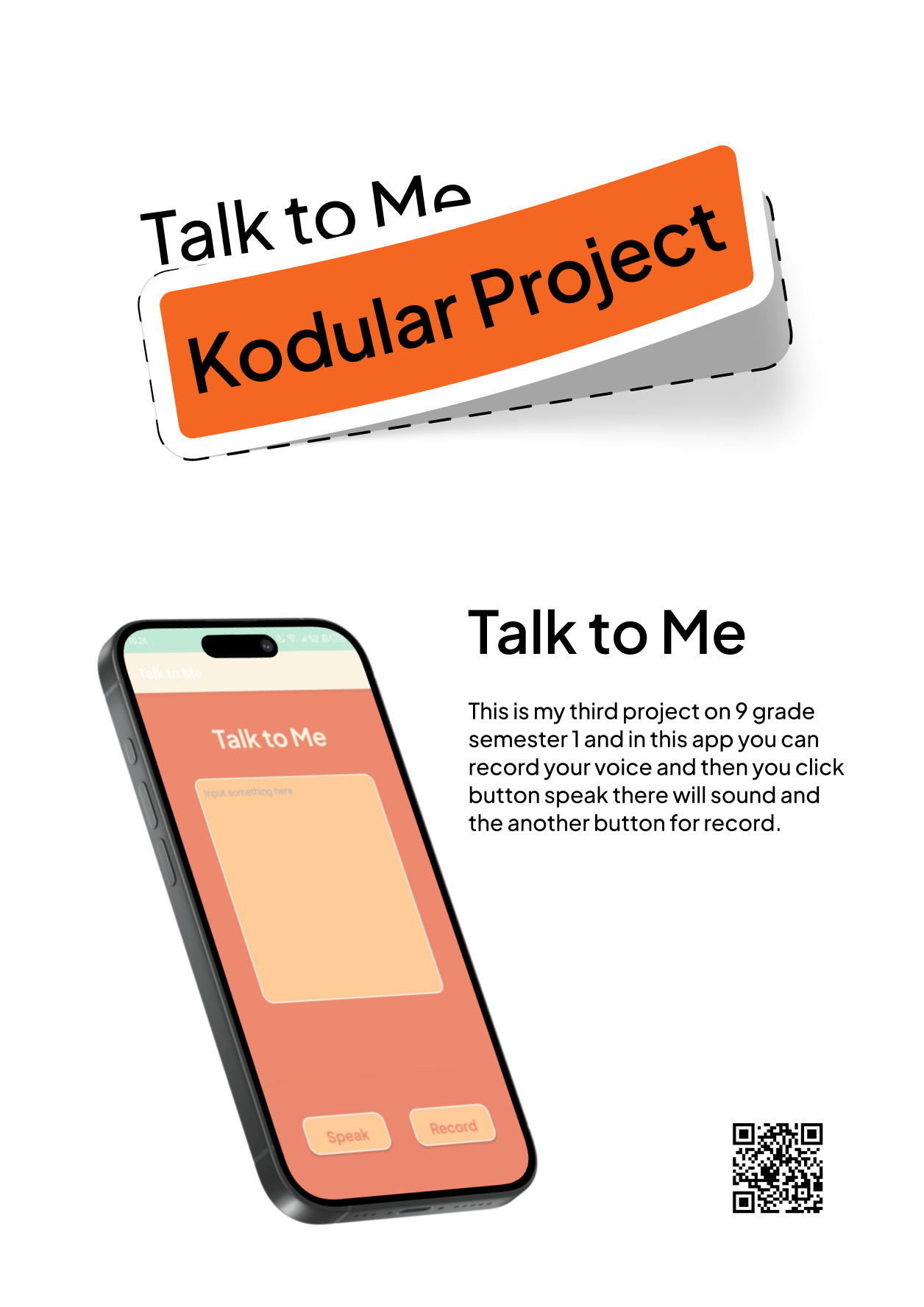
So this is a project where we have to make a video tutorial from the lessons we have learned. Well, in this semester the lessons are conventional, so I made a tutorial about the application, namely talk to me. Well, in talk to me there are 2 buttons. Well, the first button is speak for the application to speak and the second is record for recording our voice. Well, maybe that’s all bye.
So this is my last project on the Kodular platform. Well, this time it’s difficult because there are so many screens and also there are 9 screens in this application. The first one is the home screen. So on this screen there will be 8 buttons. Well, if we open the button with the round image, the round screen will open and so on for the others.
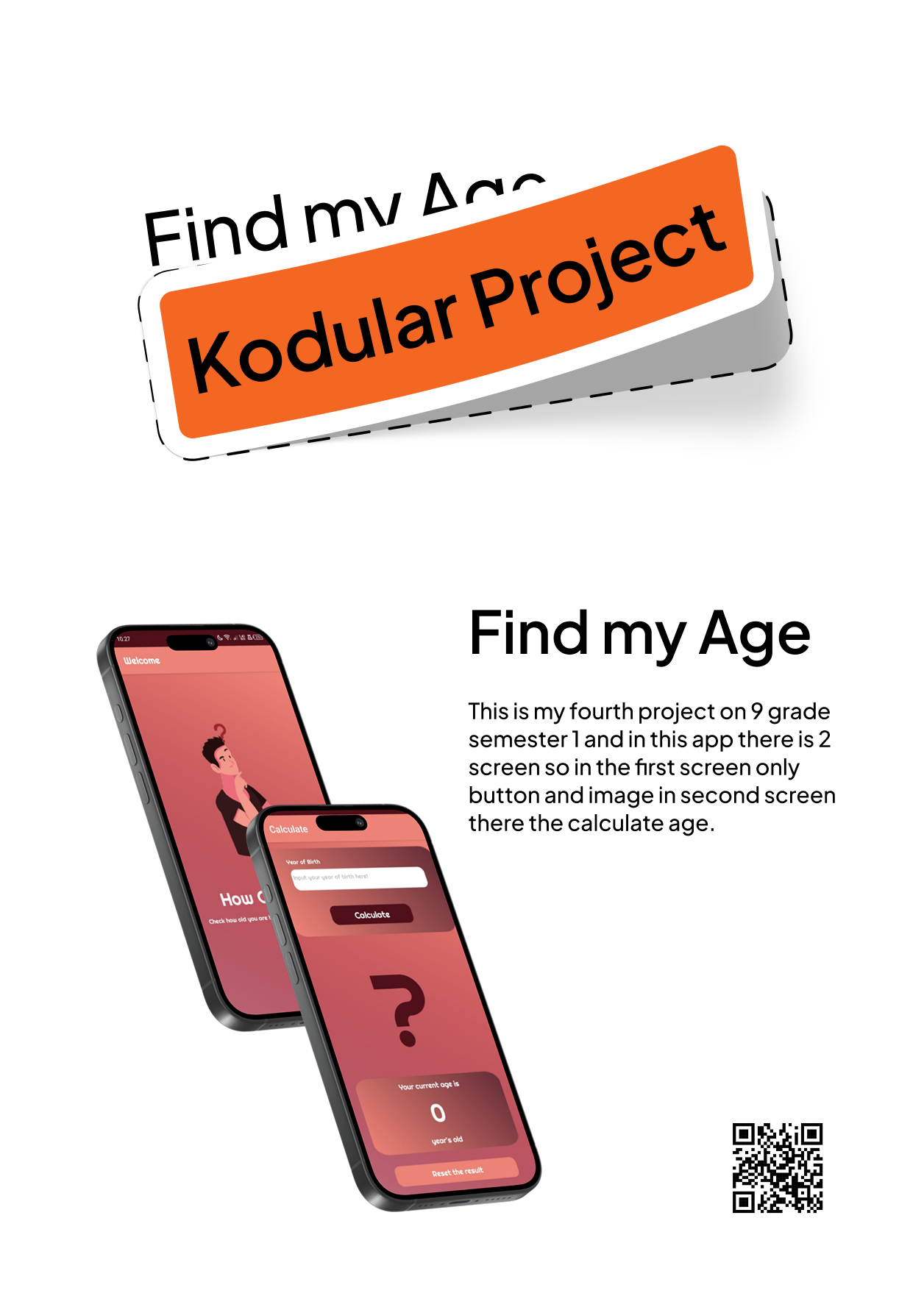
This is my 4th project and in this project there will be 2 pages in the application. On the first page there will only be buttons and a picture of a confused person. On the second page there will be a UI to calculate our age. Before we know our age, we have to enter our year of birth first. That’s probably enough explanation, bye.
Okay, this is my 4th project from the Kodular platform. Well, for this project, it’s like an application that can record our voice and turn it into text. Well, when it becomes text, there is a speak button. Well, if you press it, there will be a sound. Well, the sound is like the AI voice on Google. Well, that’s all.